
解答本文疑问/技术咨询/运营咨询/技术建议/互联网交流
jboss3.0+tomcat4.06配置MySQL数据库
2026-02-28 06:36 栏目: 知识在线 查看(
)
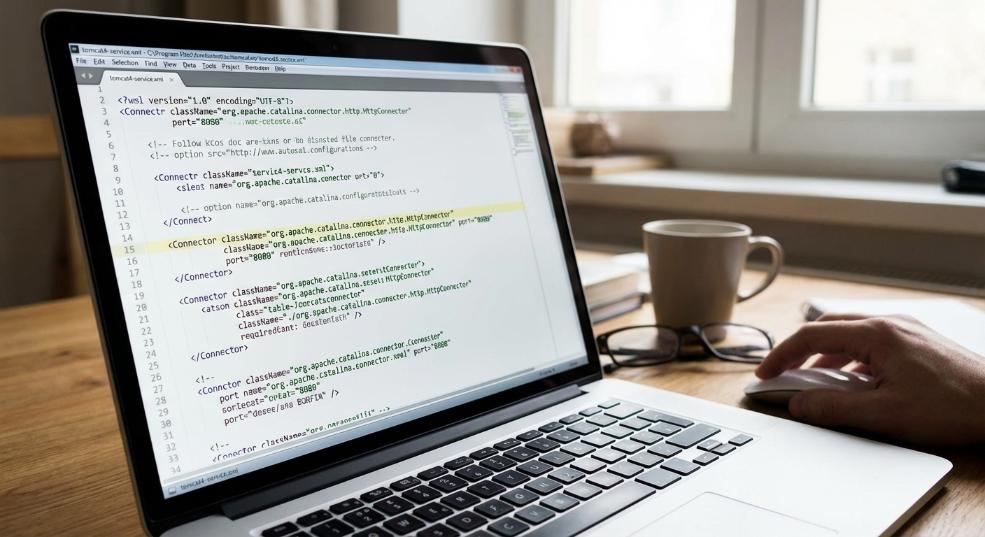
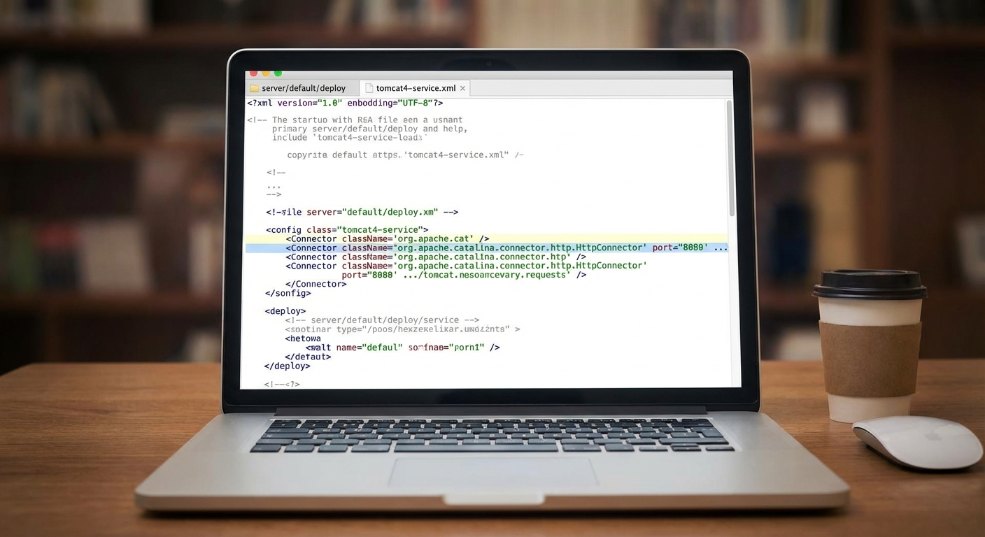
1.改变Tomcat的启动端口:修改Jboss安装目录下的serverdefaultdeploytomcat4-service.xml文件。寻找Connector className="org.apache.catalina.connector.http.HttpConnector"将其中的port改为你需要的端口号即可。
<%
Context ctx = null;
DataSource ds = null;
Connection conn = null;
PreparedStatement stmt = null;
ResultSet rs = null;
try
{
ctx=new InitialContext();
ds=(DataSource)ctx.lookup("java:/MySqlDS");
conn = ds.getConnection();
String str = "select id from test.test";
stmt = conn.prepareStatement(str);
rs = stmt.executeQuery();
if(rs.wasNull())
{
out.println("no data");
}
while(rs.next())
{
out.println(rs.getInt("id"));
}
rs.close();
stmt.close();
conn.close();
}
catch(Exception e)
{
System.out.println(e);
}
%>
郑重申明:某某网络以外的任何单位或个人,不得使用该案例作为工作成功展示!